WI-FI RANGE EXTENDER (อุปกรณ์ขยายสัญญาณ) TENDA AC1200 WI FI RANGE EXTENDER (A21)
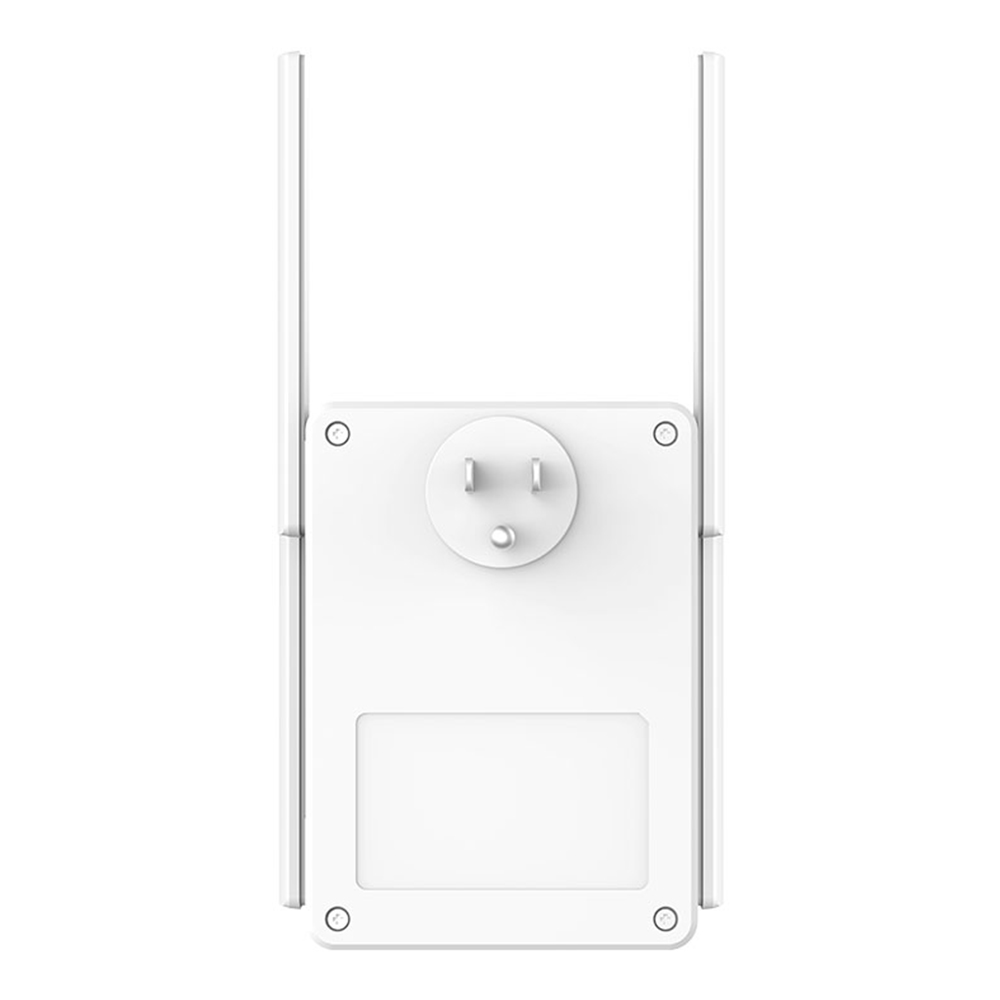
WI-FI RANGE EXTENDER (อุปกรณ์ขยายสัญญาณ) TENDA AC1200 WI FI RANGE EXTENDER (A21)
แบรนด์ : Tenda
รับประกันตามมาตรฐานผู้ผลิต
สินค้าหมดชั่วคราว
กด “แจ้งเตือนเมื่อมีสินค้า” ด้านล่าง เราจะรีบแจ้งทันทีที่สินค้ากลับมา
JIB Points

รับ 1 พอยต์ ทุกการใช้จ่าย
฿50
รายละเอียดสินค้าโดยย่อ
Interface : IEEE 802.11 a/b/g/n/ac
- • Lan : 1 x 10/100/1000 Mbps port
3ครั้ง
ขายแล้ว0ชิ้น
คุณสมบัติเด่นและสเปก
รายละเอียดสเปคทั้งหมดของสินค้า
WI-FI RANGE EXTENDER (อุปกรณ์ขยายสัญญาณ) TENDA AC1200 WI FI RANGE EXTENDER (A21)
Specification
- Lan
- 1 x 10/100/1000 Mbps port
Warranty & Shipping
- การรับประกัน
- รับประกันตามมาตรฐานผู้ผลิต
รายละเอียดสินค้า
ภาพรวม จุดเด่น และข้อมูลการใช้งาน
Stable Signal and 360° Full Coverage
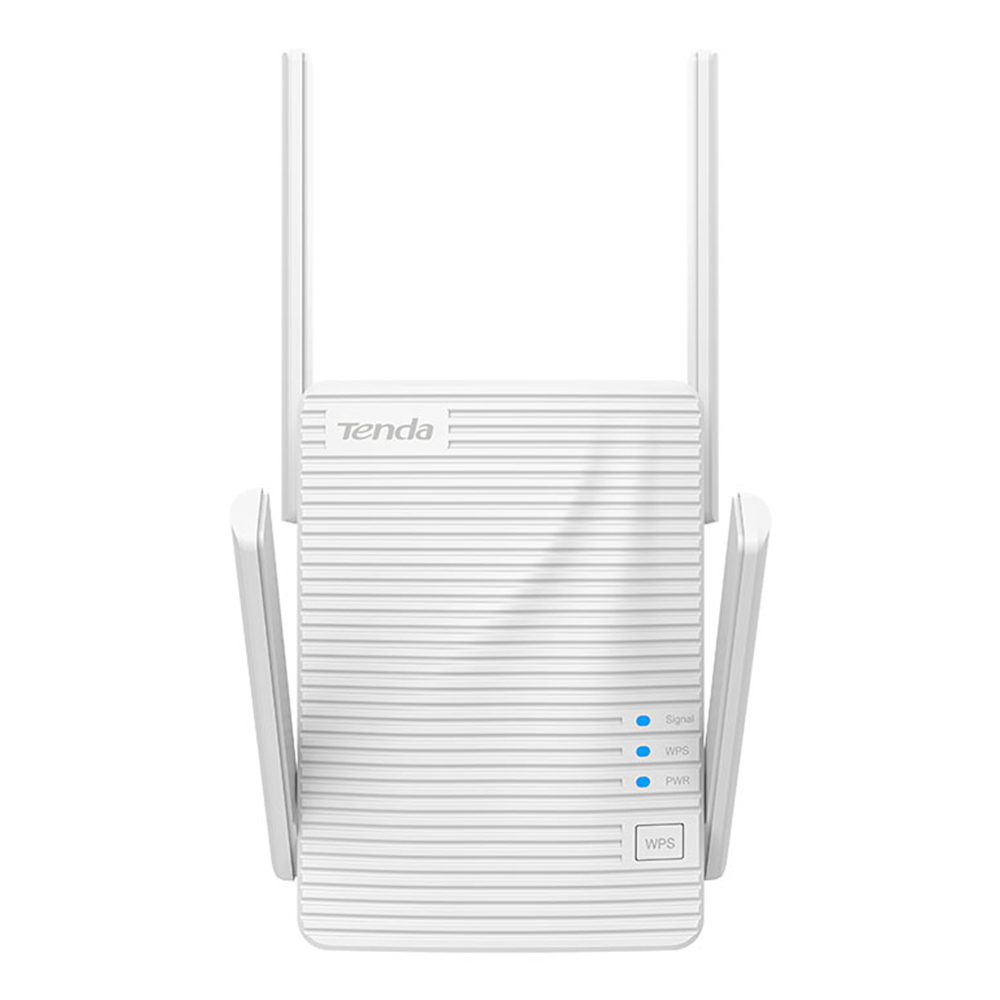
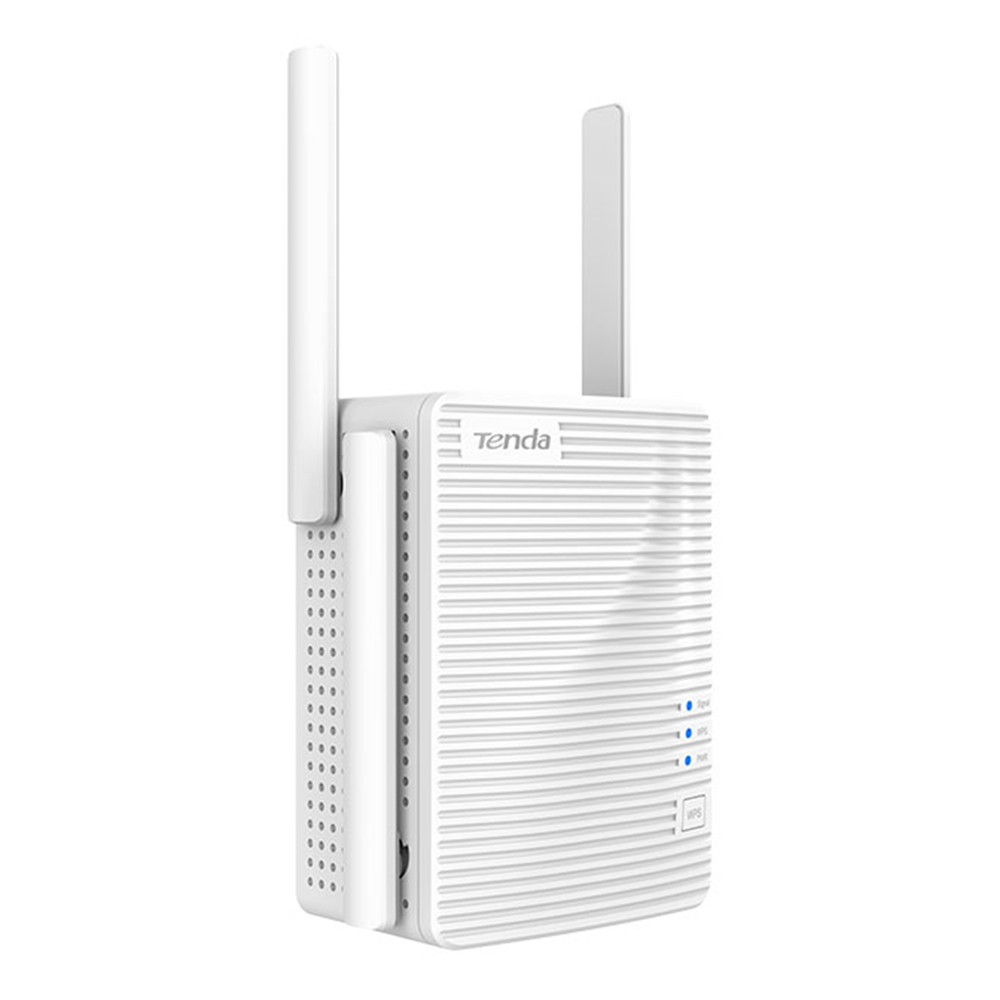
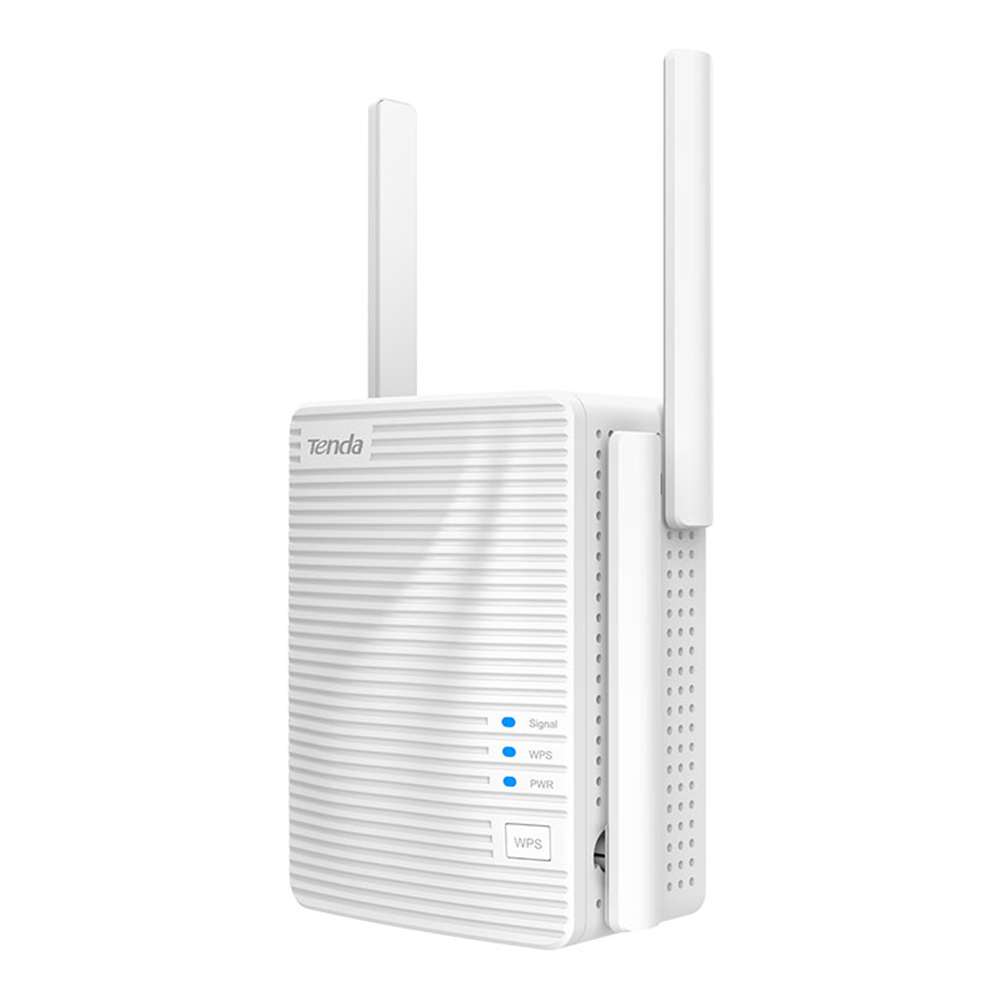
Equipped with 4 high-gain external antennas, which can greatly enhance the signal strength of the existing network. Extend your wireless network coverage to 3000 sq. ft for approximately 30 devices, provides the best value and connection for your Internet needs.
*The above data is the indoor coverage area measured by Tenda Lab,and the specific coverage area depends on the user's actual environment.
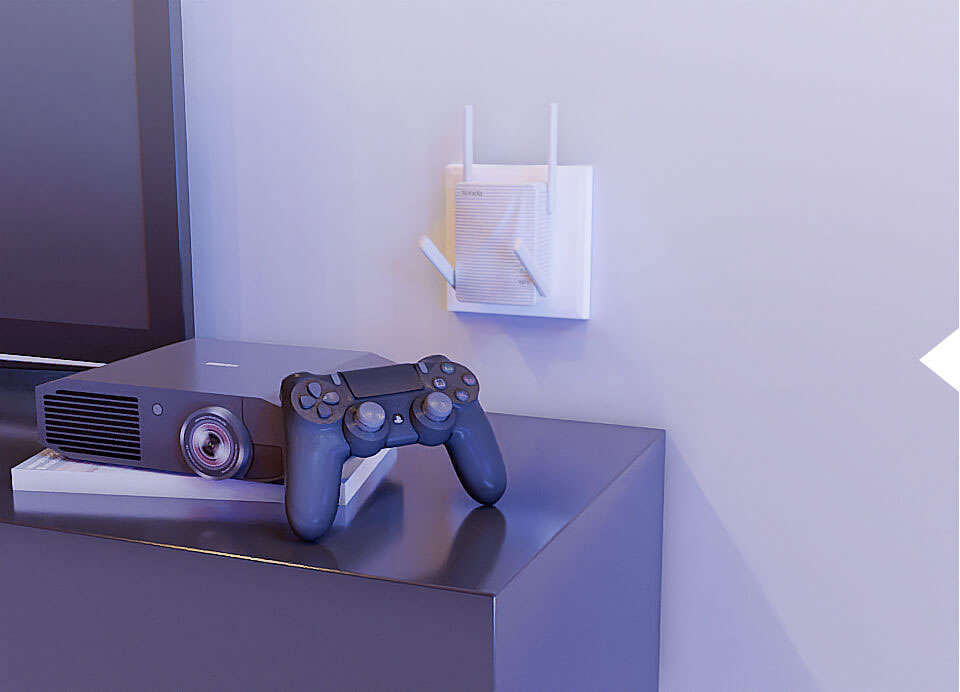
Blazing-Fast Dual Band Wi-Fi Extension
Compliant with IEEE 802.11ac Wave2 ,A21 achieves a dual-band concurrent rate up to 2034 Mbps, (2.4GHz 300Mbps / 5GHz 1734Mbps) ,which can maximize your audio-visual entertainment and gaming networking experience.
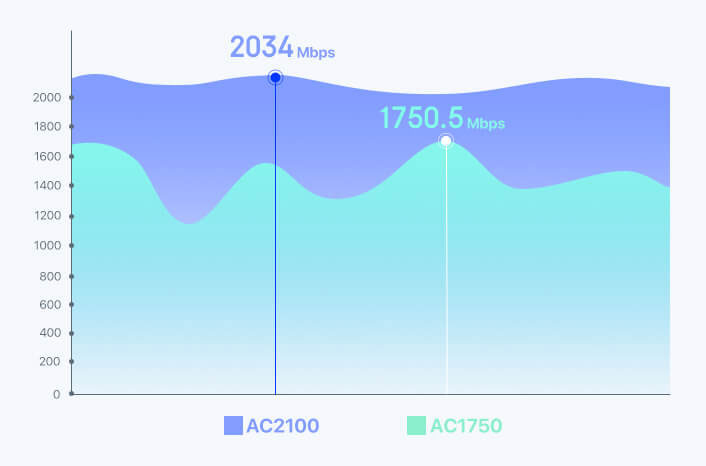
Faster and Reliable
The AC2100 dual-band concurrent rate is as high as 2034 Mbps, which is 1.2 times that of AC1750!
4x4 MU-MIMO Technology for Faster Transmission
Powered by 4x4 MU-MIMO technology, A2100 offers a 5GHz transmission rate 1/3 higher than AC1750 and AC1900 devices powered by 3x3 MU-MIMO technology, letting you enjoy a higher transmission rate even with multiple connected clients.
*Use of MU-MIMO requires your APs to also support MU-MIMO.
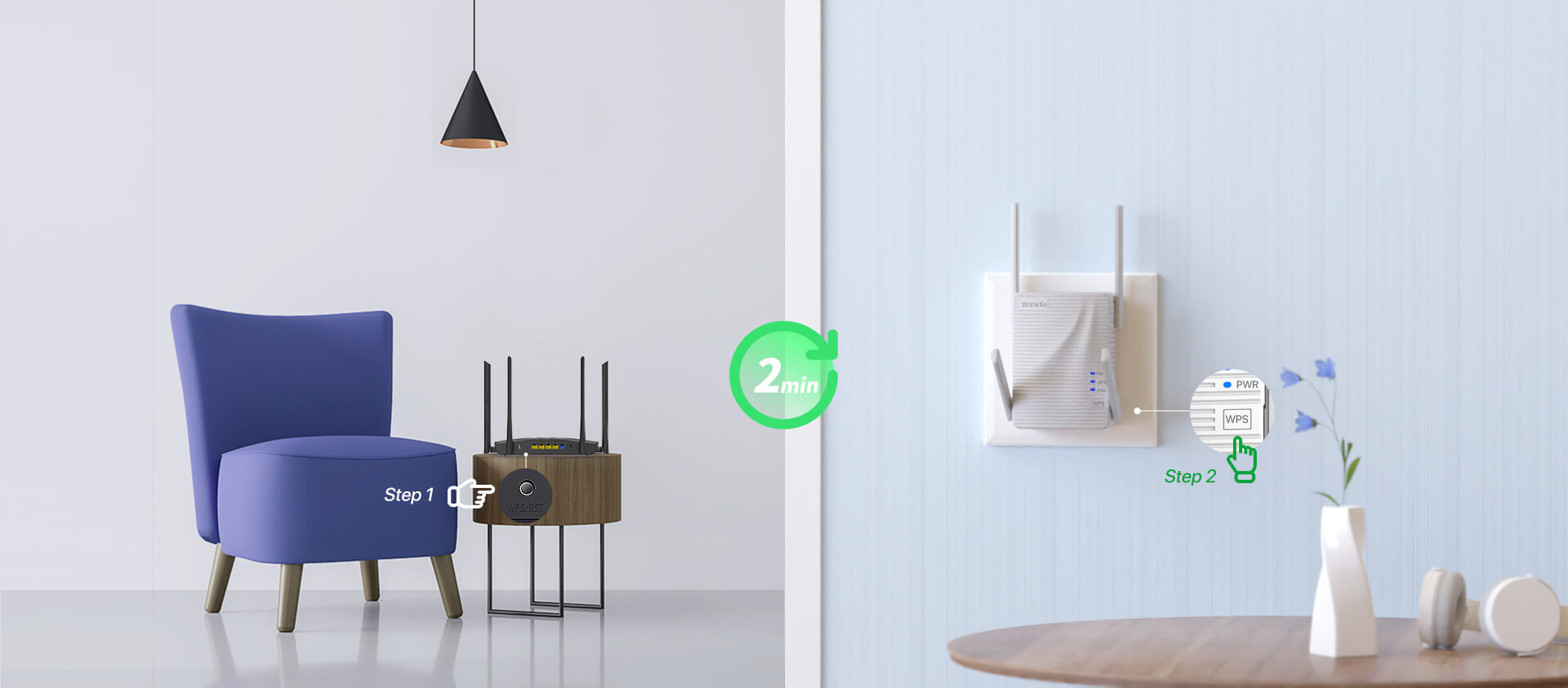
One-Touch Connection for Easy Setup
After pressing the WPS button of the router, press the WPS button of the extender within 2 minutes to connect.
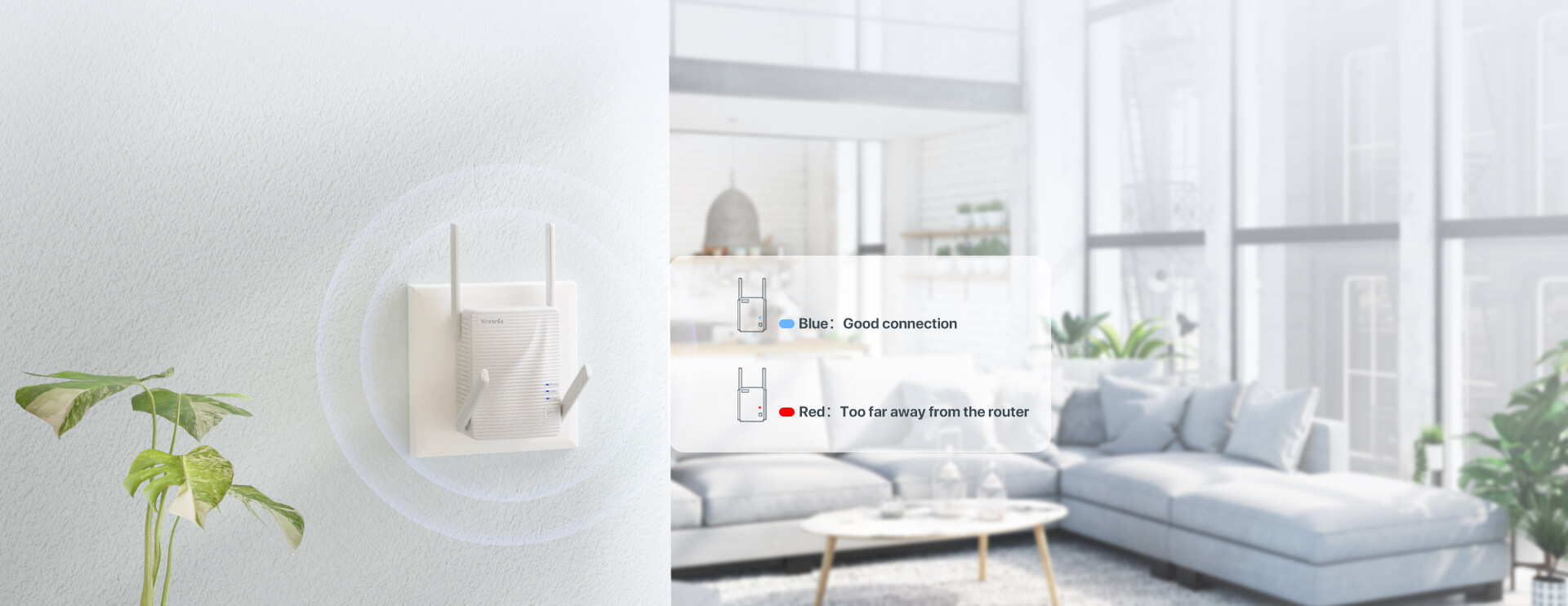
Intelligent LED Indicator
After the bridge is completed,smart LED indicators can help you find the best location for Wi-Fi coverage and improve the quality of signal extension.
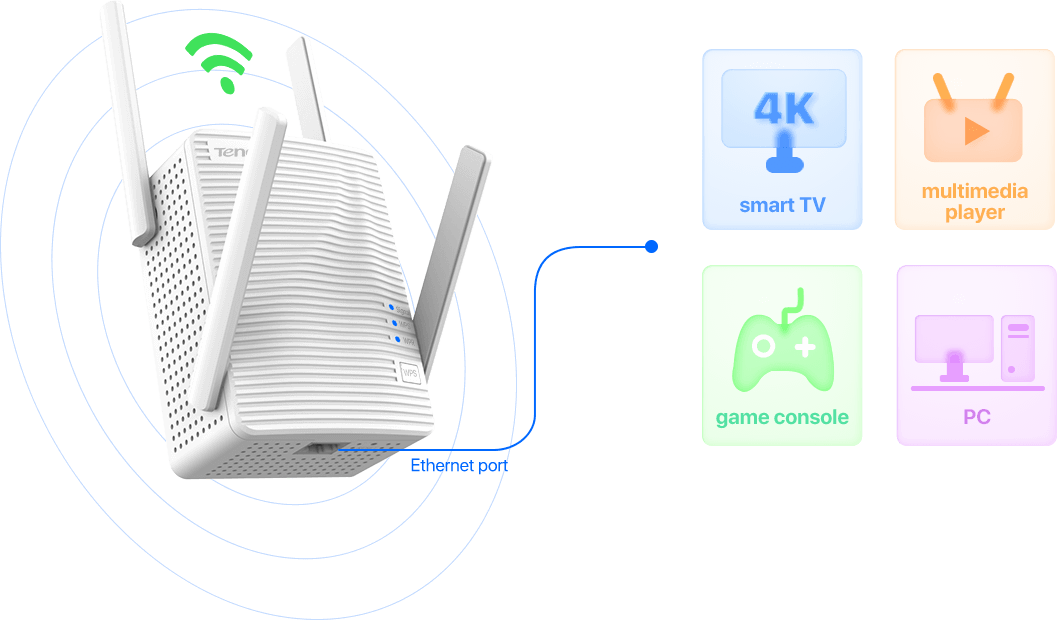
Entertainment Adapter
If the extender is paired and connected to the Internet, you can also use the Ethernet port to connect any wired devices, such as smart TV、multimedia player、game console or PC.
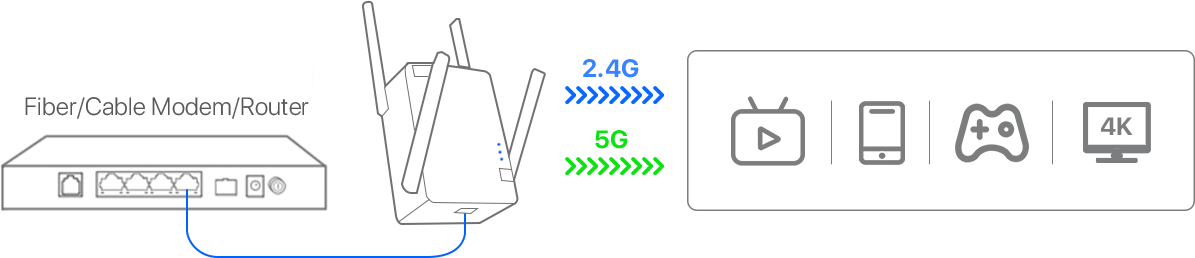
Built-in Access Point Mode
Simply plug the networked Ethernet cable into the Ethernet port of A21, and you can easily convert your wired Internet connection into a dual-band wireless signal.
Source: A21
รีวิวสินค้า
รีวิวจากผู้ที่ซื้อสินค้านี้จริง
0.0/ 5
จาก 0 รีวิว
5
0
4
0
3
0
2
0
1
0
ยังไม่มีรีวิวสำหรับสินค้านี้
เป็นคนแรกที่แบ่งปันประสบการณ์ใช้งาน