จำนวน
คงเหลือ 3 ชิ้น
JIB จำหน่ายสินค้าไอที คอมประกอบ โน้ตบุ๊ก สินค้า Apple ให้คำแนะนำทุกสาขา และช้อปออนไลน์ ส่งด่วน 24 ชม.
JIB Store




แบรนด์ : Xiaomi
9,500.-
JIB Points

รับ 1 คะแนน ทุกการใช้จ่าย
฿100
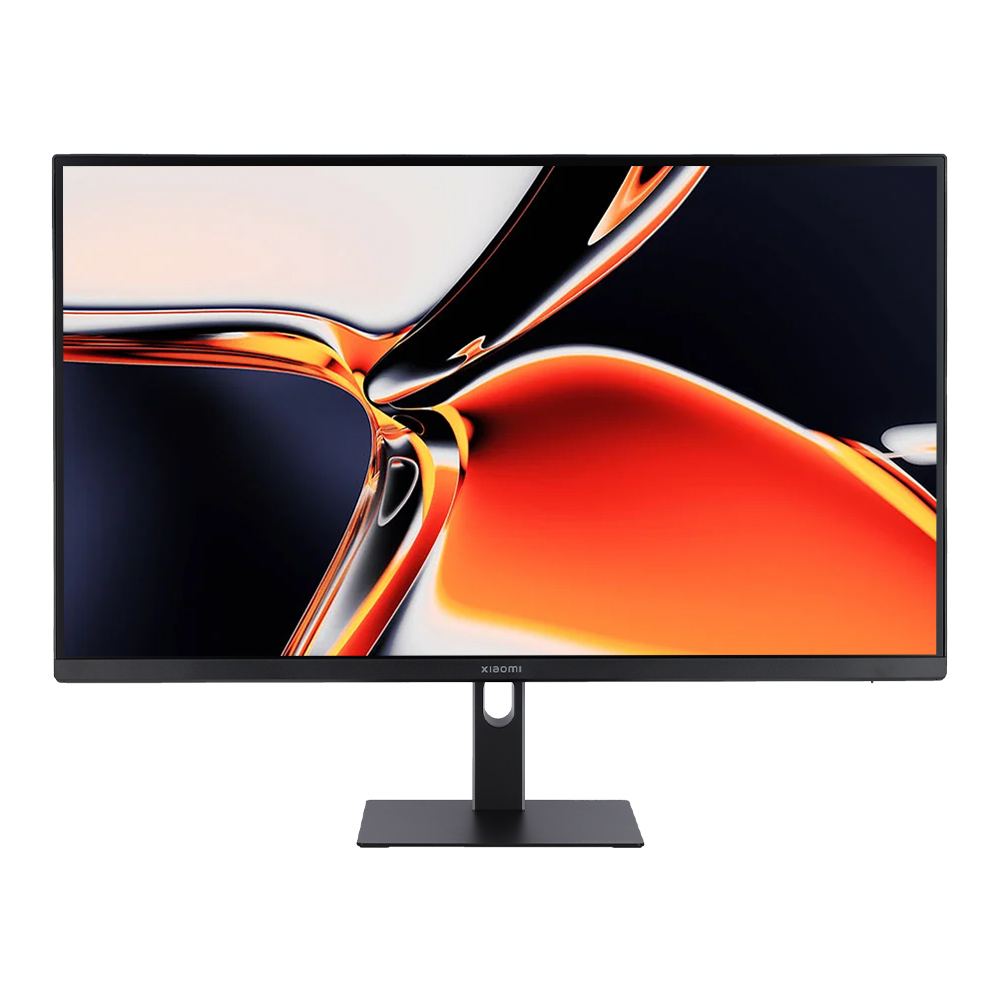
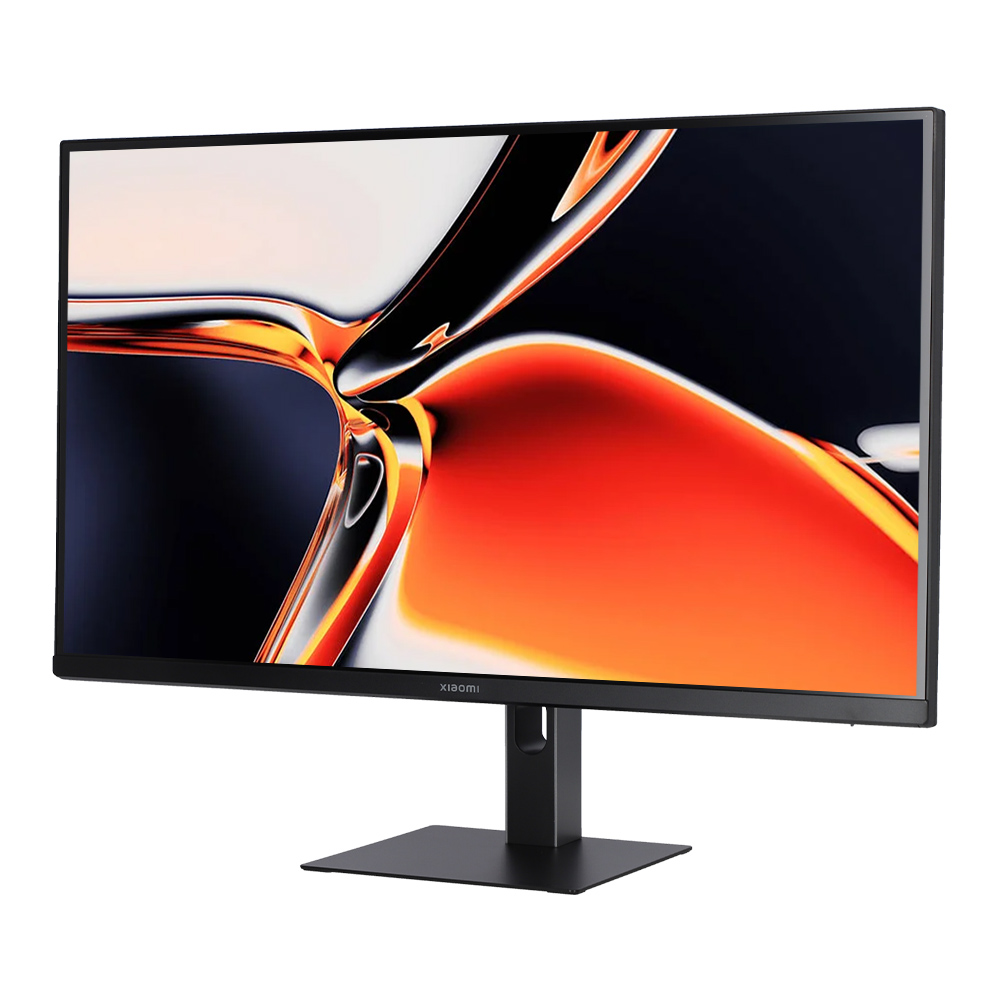
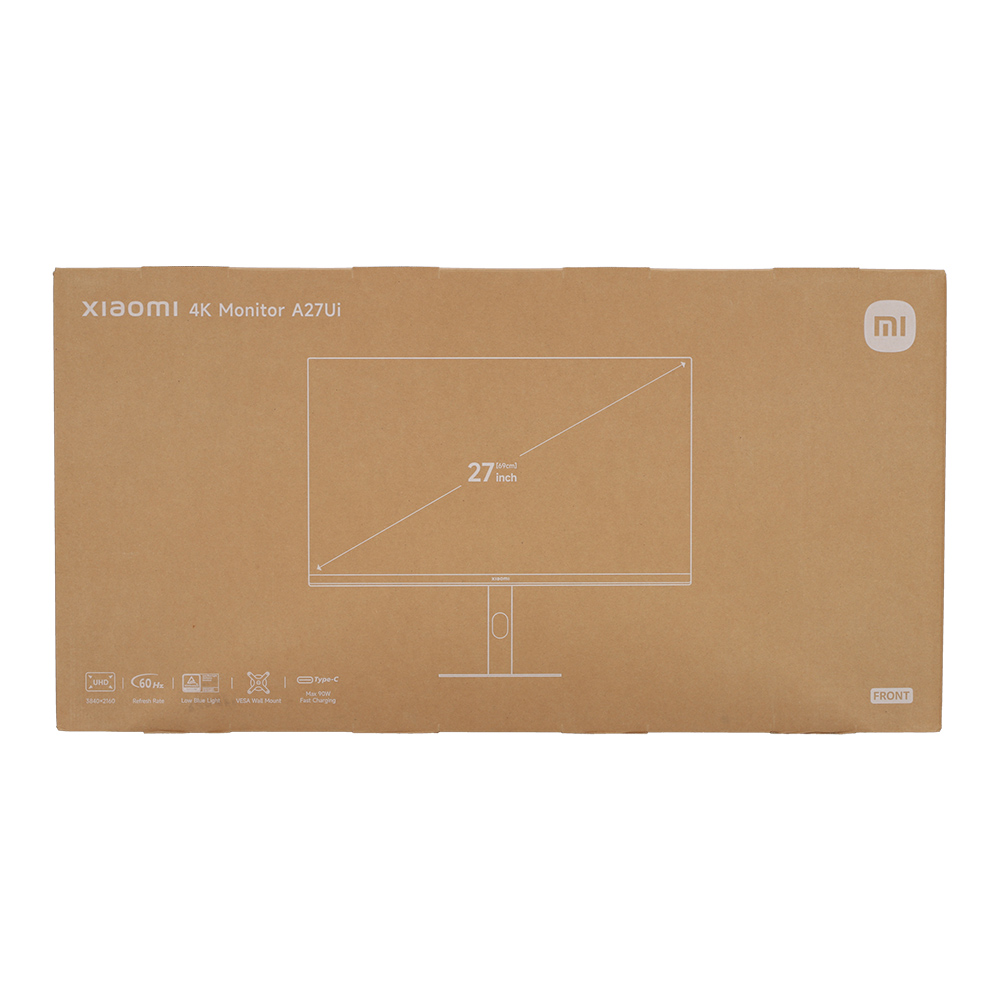
Xiaomi 4K Monitor A27Ui features a 27" IPS panel with 4K UHD resolution (3840x2160), professional-grade color accuracy (∆E<1), 95% DCI-P3 and 100% sRGB coverage. Includes versatile USB-C port with 90W charging, TÜV-certified low blue light, and a fully adjustable stand for flexible setup.
รายละเอียดสเปคทั้งหมดของสินค้า
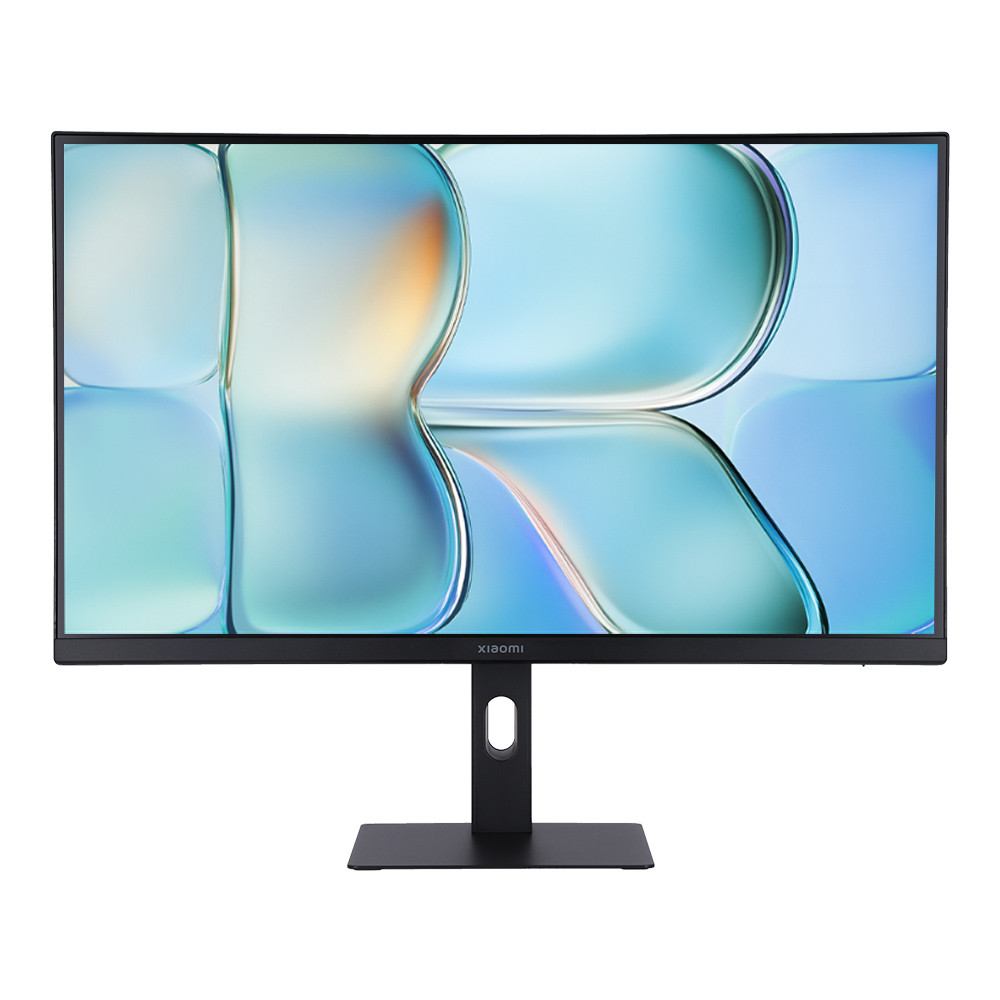
Monitor (จอมอนิเตอร์) Xiaomi A27UI - 27 Inch IPS 4K 60Hz USB-C ELA6221EU
ภาพรวม จุดเด่น และข้อมูลการใช้งาน
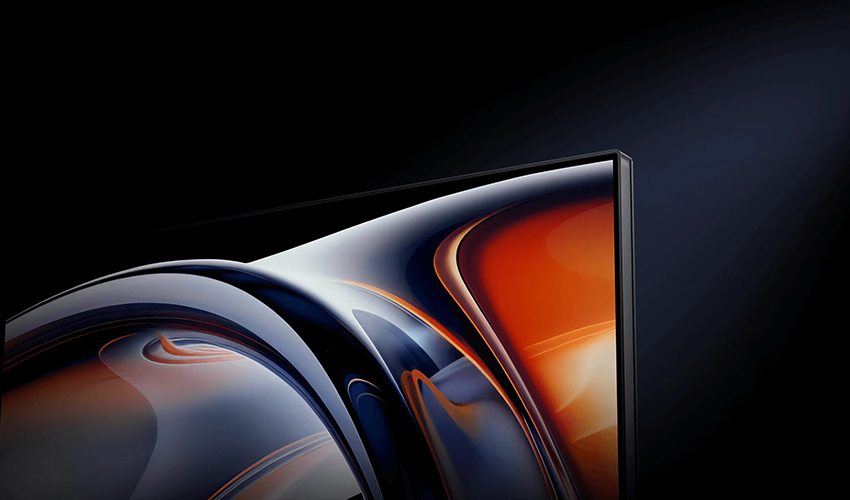
Stunning 4K UHD Visuals — Precise and Highly Detailed
Featuring a premium IPS panel with 3840 x 2160 UHD resolution, this display delivers sharp, crisp visuals—even after image processing and zooming. Experience exceptional clarity in every detail, along with ultra-wide 178° viewing angles, enhanced contrast, and deeper details. HDR10 support adds even more depth to your visuals.*
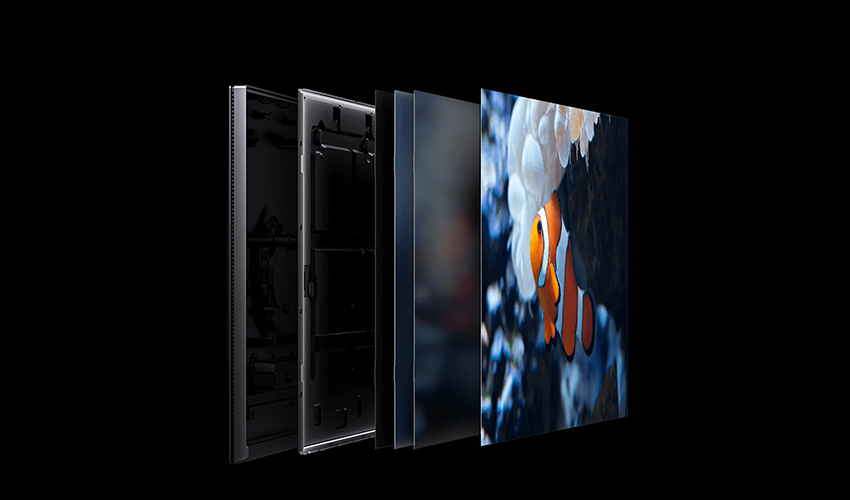
Dual Color Gamut Coverage — Vivid and Impressive
Enjoy 1.07 billion vibrant colors with lifelike depth and smooth gradation. The wide dual color gamut delivers stunning, professional-grade color accuracy. Tailored to meet your creative needs with 1.07 billion colors, 10-bit professional color depth*, 100% sRGB, and 95% DCI-P3 coverage.
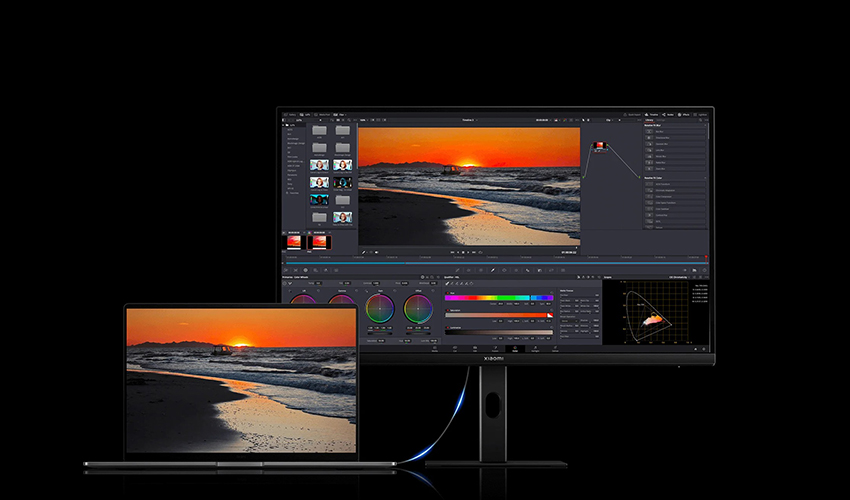
Versatile USB-C Port — All-in-One Charging & Data Solution
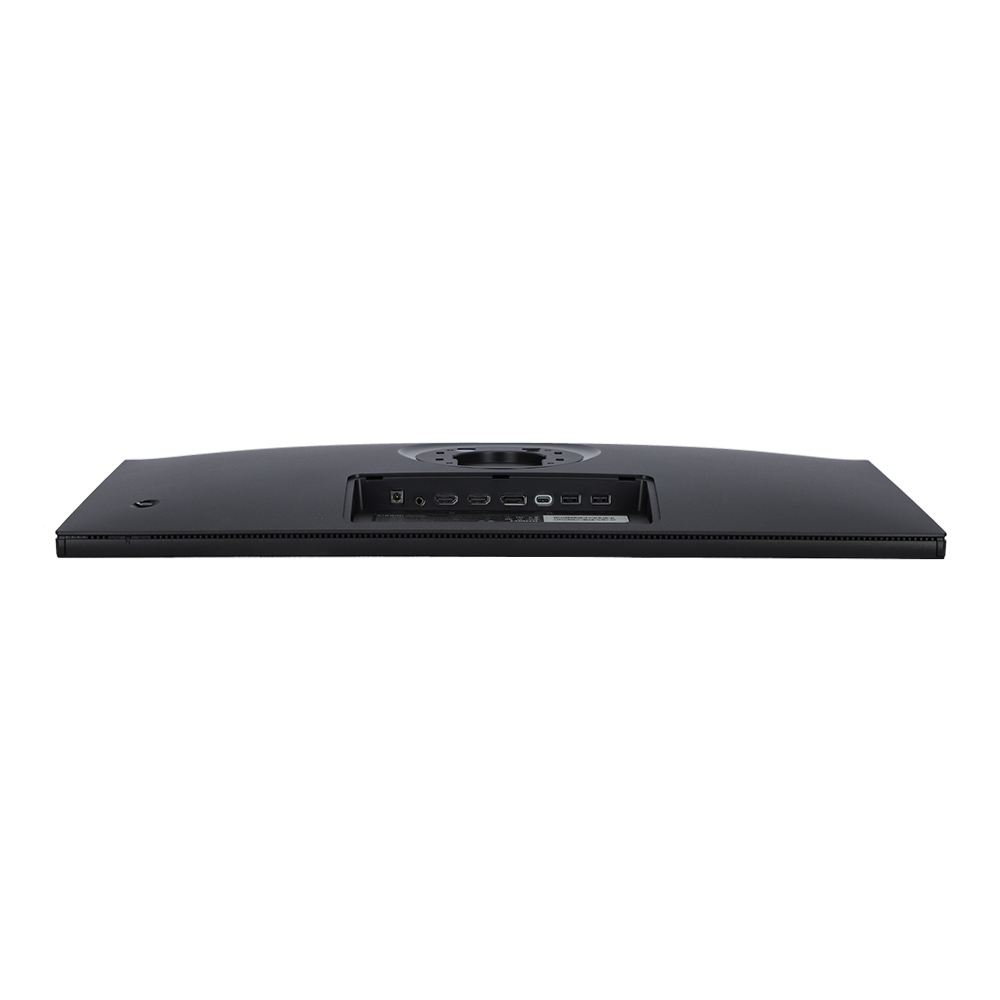
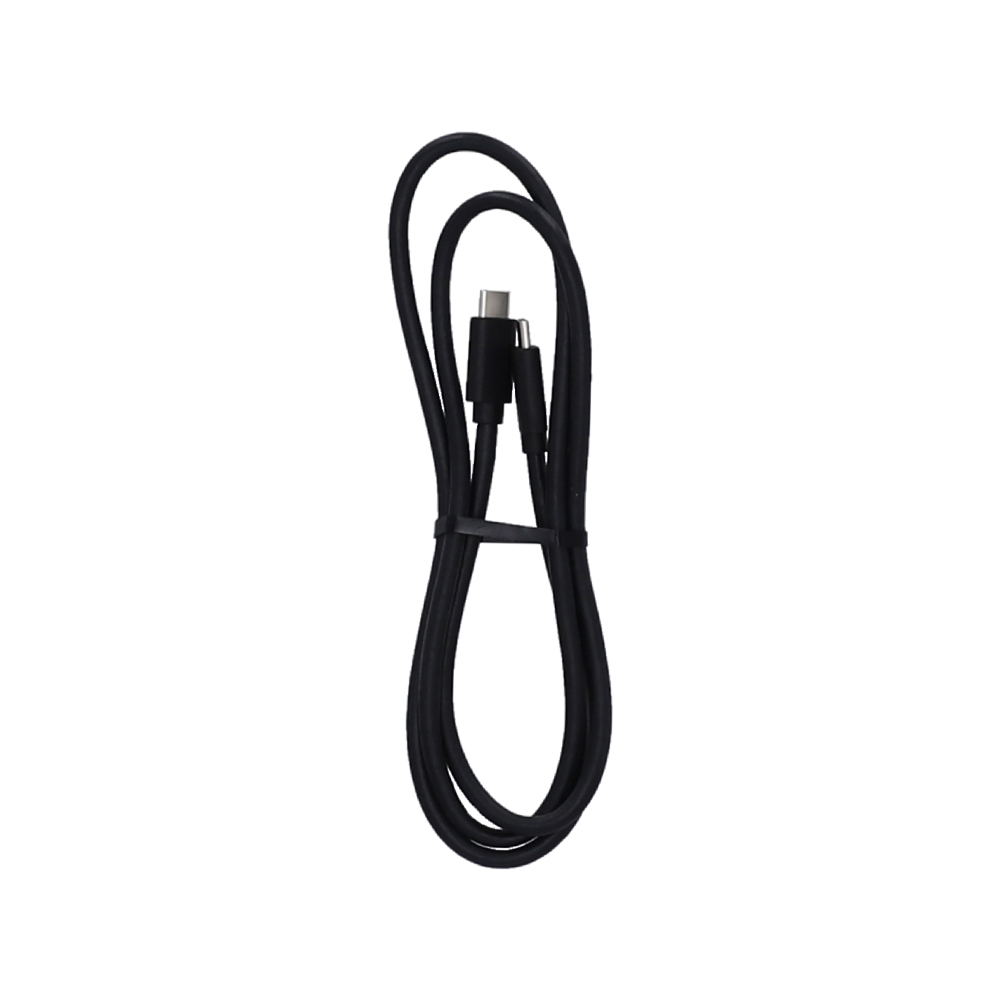
The multifunctional USB-C port allows you to connect your laptop and monitor with a single cable. It supports audio/video signal transmission, data transfer, and up to 90W reverse charging to your laptop simultaneously.*
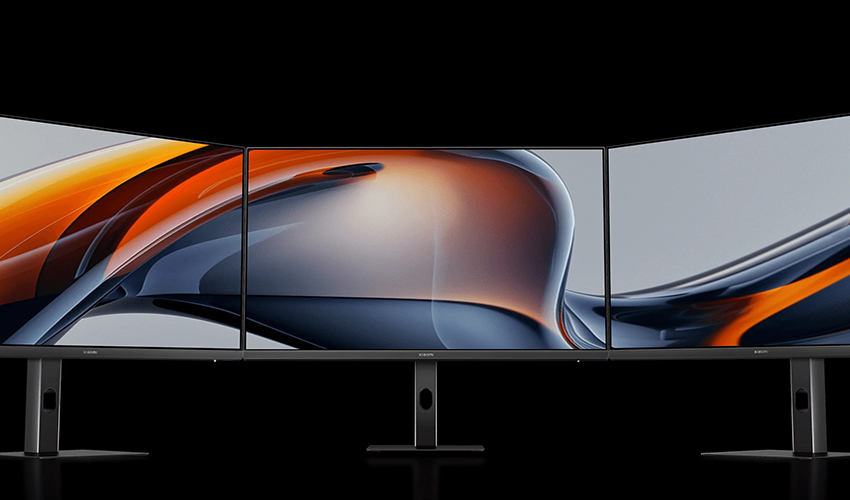
Three-Side Ultra-Narrow Bezel — Enhanced Multi-Screen Experience
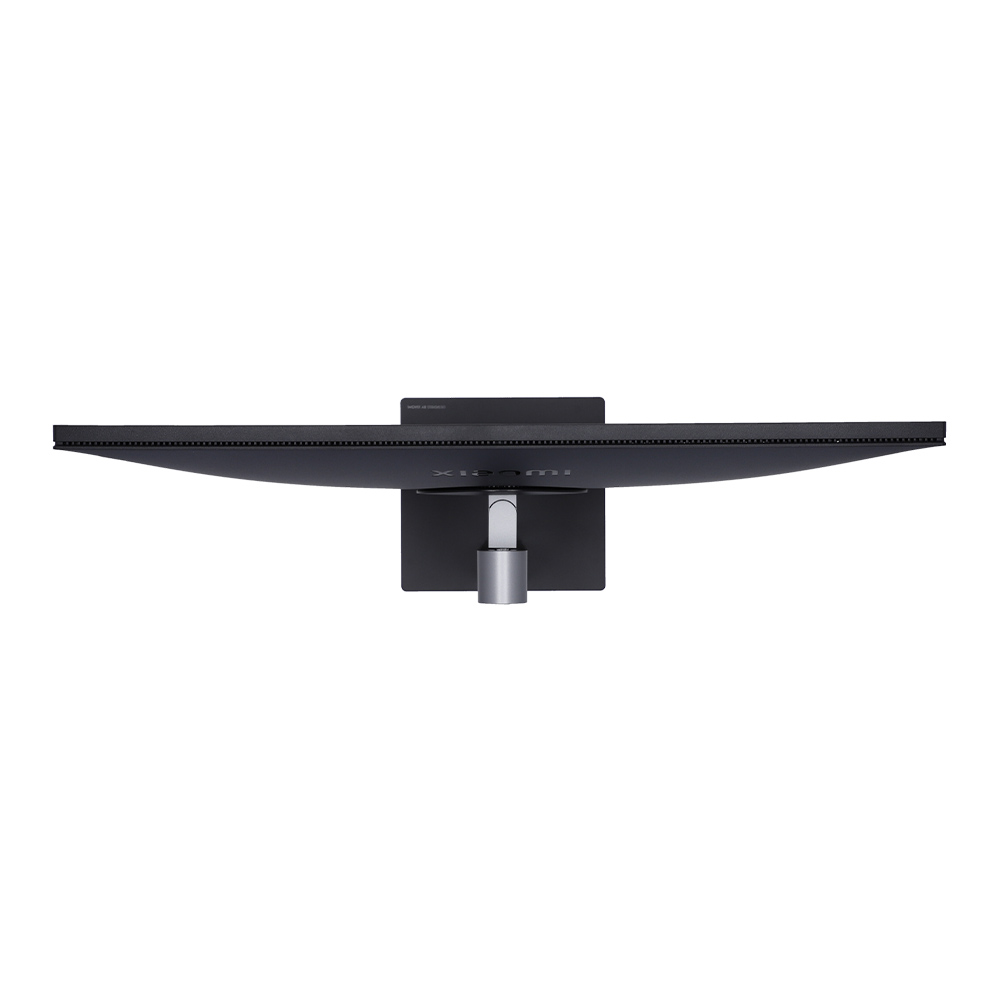
The ultra-thin bezels on three sides significantly expand your viewing area, offering a more immersive and streamlined experience. Connect multiple monitors seamlessly for a wider, more engaging display setup.
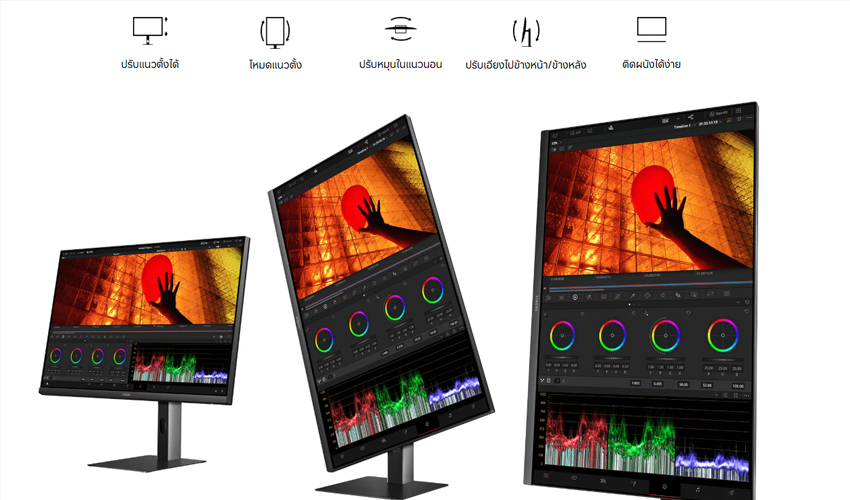
Flexible Stand — Create Freely and Comfortably
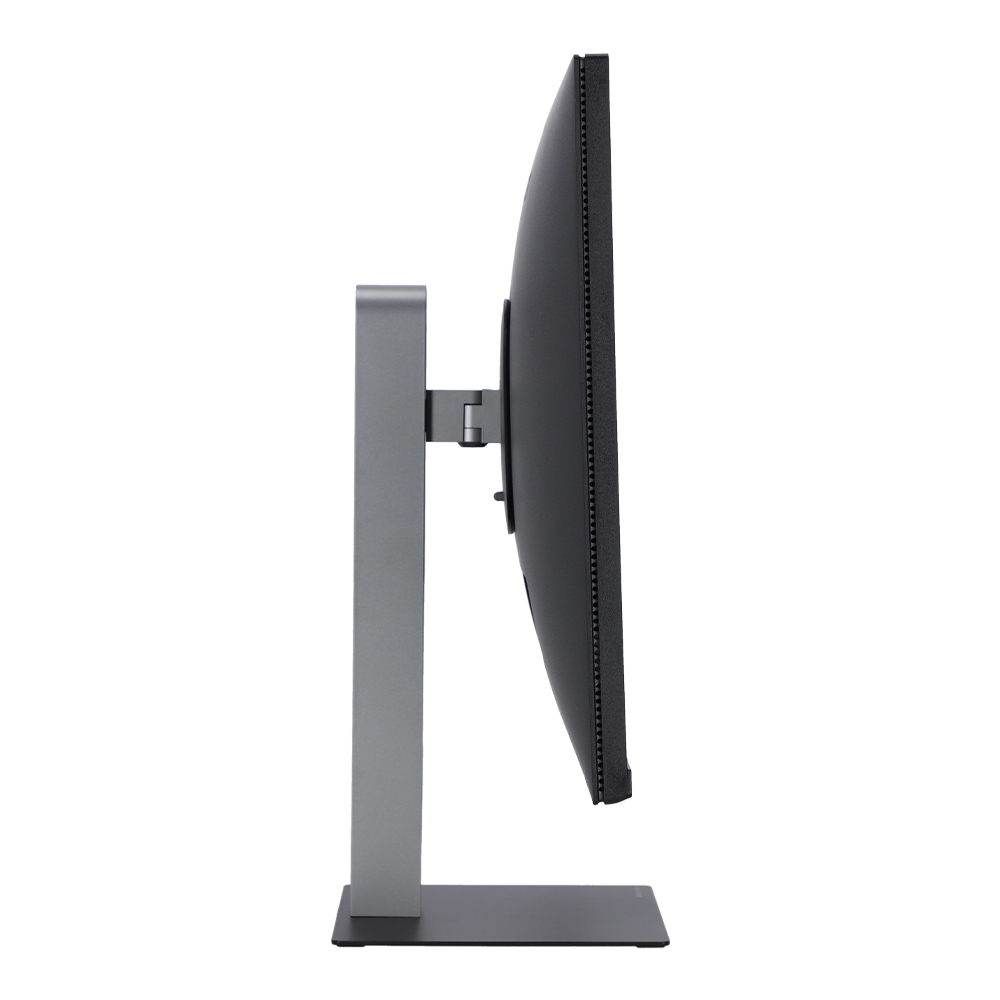
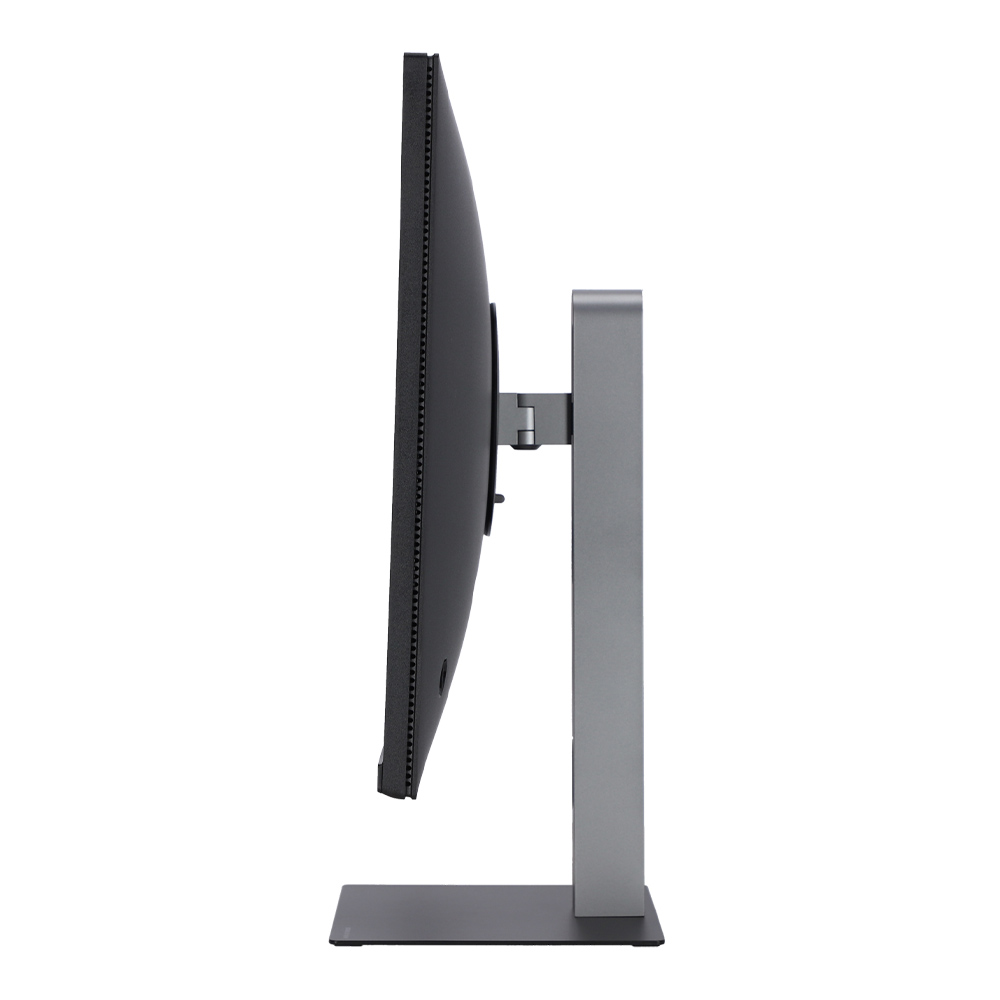
The versatile adjustable stand supports height adjustment, vertical mode, horizontal rotation, tilt, and wall mounting.* Easily customize orientation through the OSD menu for optimal viewing comfort and creative freedom.
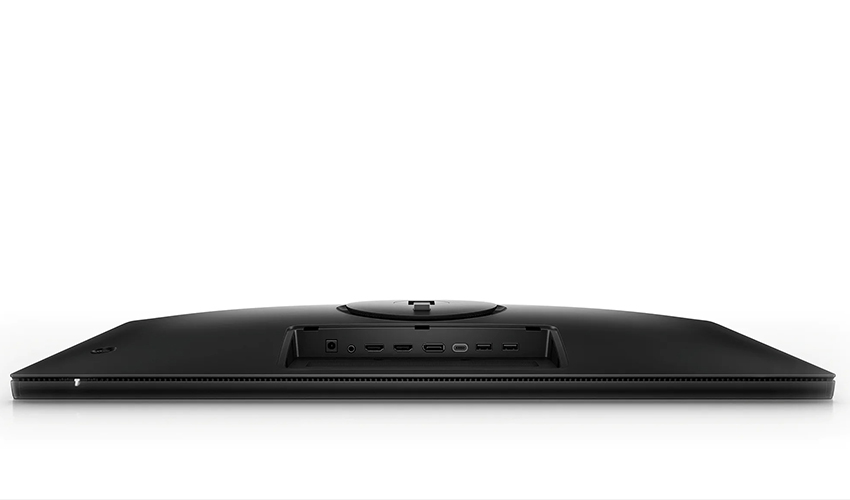
Built-In USB Hub — Multiple Ports for Various Uses
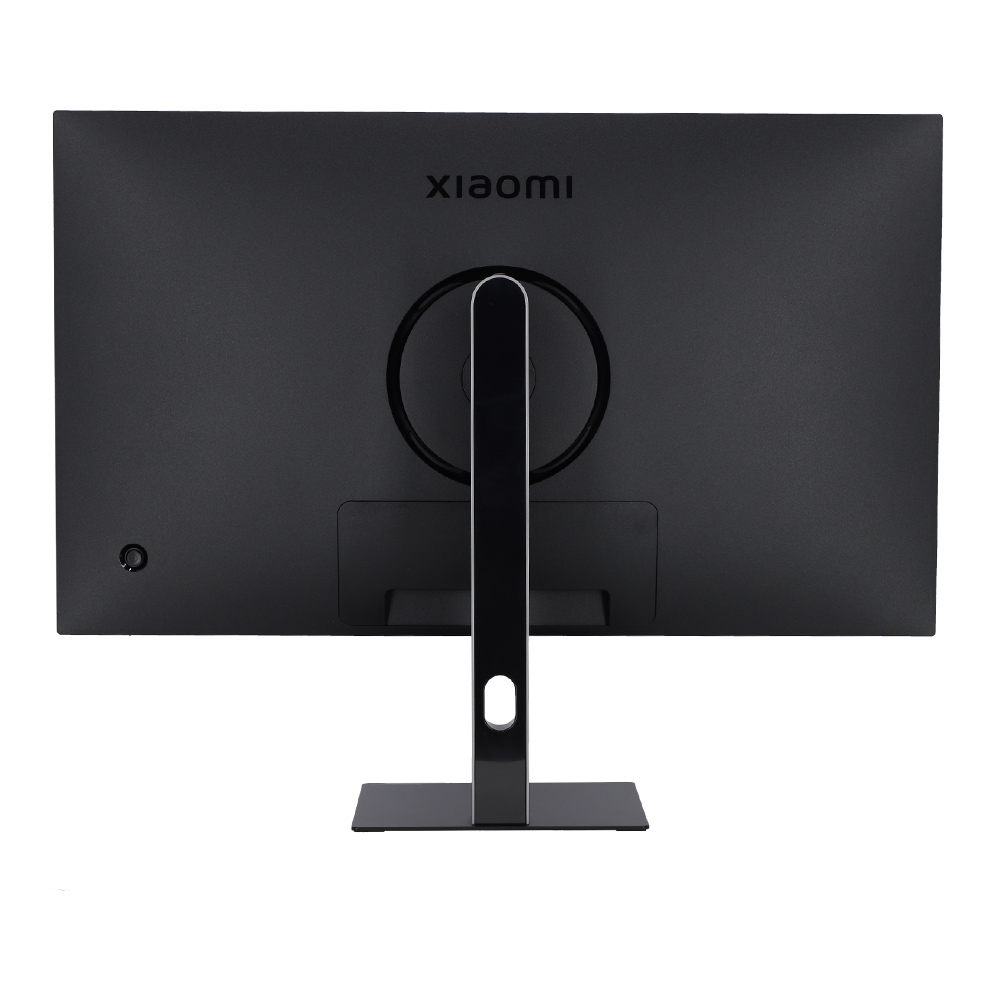
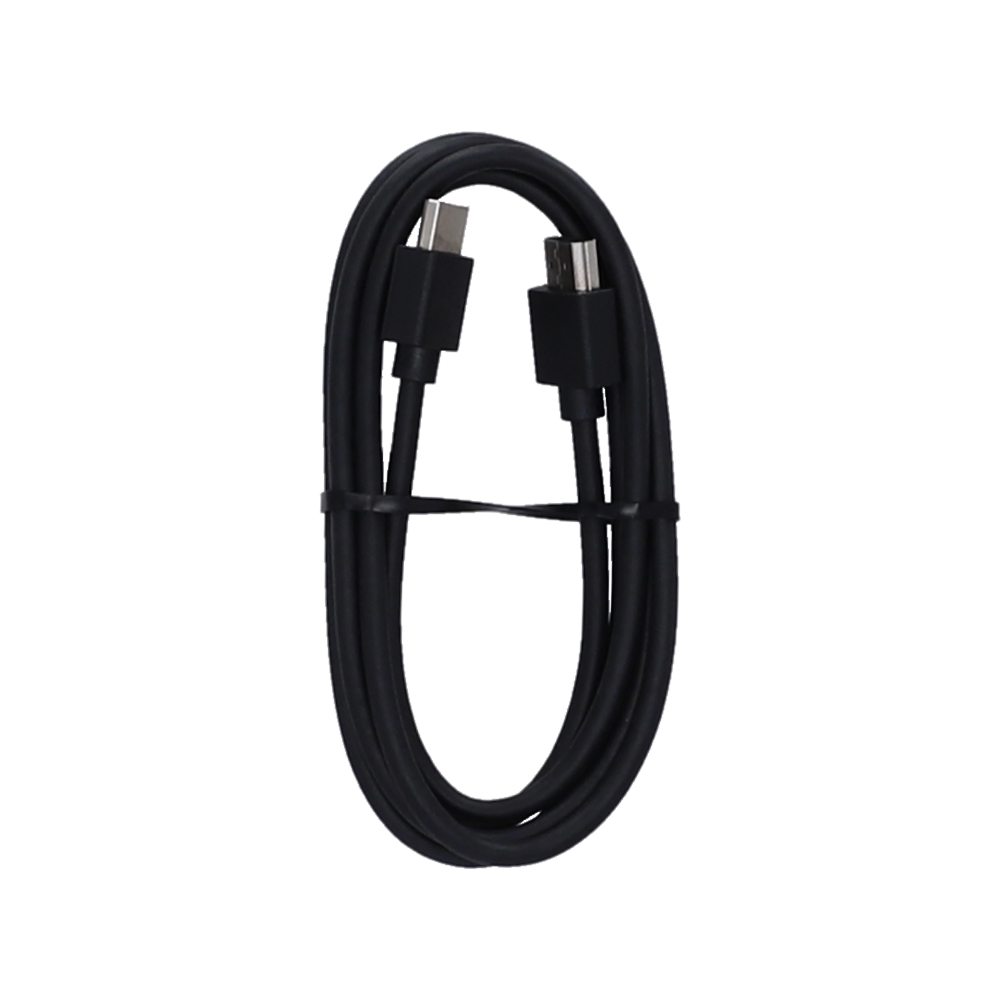
Once your laptop is connected via the included USB-C cable, you can use the extra ports on the back of the monitor to connect peripherals like a mouse or USB drive. This reduces clutter on your laptop and allows you to enjoy a more organized, creative workspace.
All images are for illustrative purposes only.
รุ่นที่กำลังดู เทียบกับรุ่นใกล้เคียงที่ JIB คัดมาให้
รีวิวจากผู้ที่ซื้อสินค้านี้จริง
จาก 0 รีวิว
ยังไม่มีรีวิวสำหรับสินค้านี้
เป็นคนแรกที่แบ่งปันประสบการณ์ใช้งาน
สินค้าที่ต้องมี
 JIB PAY DAY
 Super Sale